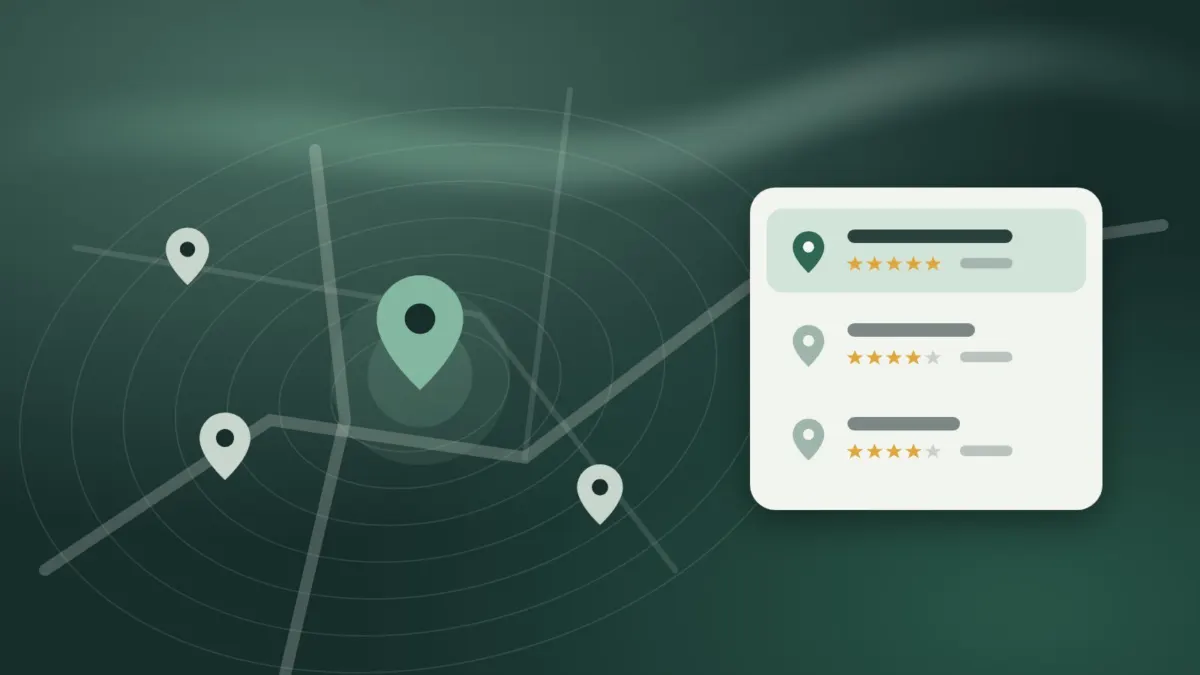
Search for “plumber uppsala” on your phone. Before you see a single ordinary website, you get a map with three businesses, their reviews and a button to call. For many local service businesses, those three spots are the most valuable thing on the internet. This guide explains how Google decides who ends up there – and what you can do to make sure your business is one of them.
The map shows three businesses – not ten
Regular search results have ten places on the first page. The map, often called the “local pack”, has three. People who tap “More businesses” see more, but most call one of the first three. That makes competition tougher, but it also means a small business with a well-kept profile can appear above bigger competitors.
The map appears for searches where Google thinks the person wants something nearby. That includes searches with a place name (“electrician uppsala”), searches with “near me” and many searches with no place name at all, such as “hairdresser” or “tyre change”, because Google knows roughly where you are anyway.
Three things decide who shows up
Google itself describes three factors for local results: relevance, distance and prominence.
Relevance
How well your business matches the search. The categories, services and description in your Business Profile matter most here, but so does the content on your website.
Distance
How close your business – or your service area – is to the person searching. You can’t change it, and it explains why the same search gives different results in Luthagen and in Sävja.
Prominence
How well known and well regarded the business is. Google looks at, among other things, the number of reviews and the rating, mentions on other websites and how strong your website is in regular search.
Start with the Business Profile
The Google Business Profile (formerly Google My Business) is what appears on the map. It is free, and it is the single most important factor for local visibility. Even so, most profiles we see are only half complete.
- Choose the right primary category. It carries more weight than anything else in the profile. Pick the one that best describes what you do, not what you would like to be known for. Then add a few relevant secondary categories.
- Add your services. List them one by one, ideally with a short description. “EV charger installation” is better than “Electrical work”.
- Set a service area. If you visit customers rather than them visiting you, you can hide your address and list the towns you work in, for example Uppsala, Knivsta and Enköping.
- Keep opening hours correct – public holidays too. Wrong opening hours are one of the most common reasons for unhappy reviews.
- Upload real photos. From jobs, from your premises, of your team. Real-life photos work better than stock images.
- Write a description a person wants to read. What do you do, for whom and where? Avoid listing keywords.
Reviews: a steady flow beats a big number
Reviews affect both how Google ranks you and whether the person searching decides to call. What counts is not only the total, but that new reviews come in steadily and that you reply to them.
The easiest way to get more reviews is to ask at the right moment: straight after a finished job, while the customer is happy. Send a link by text message or in the invoice email. You’ll find the link in your Business Profile under “Ask for reviews”.
There are two things you shouldn’t do. Never offer discounts or anything else in exchange for reviews, and don’t ask only the customers you know are happy – both break Google’s rules and can lead to reviews being removed.
Reply to every review, including the negative ones. A calm, factual reply to criticism shows the next customer how you handle problems, and is often more convincing than yet another five-star review.
Local signals outside Google
Google compares the details in your profile with what is written about your business elsewhere. Make sure your name, phone number and address or service area are the same everywhere: on your website, on Hitta.se and Eniro, in Apple Business Connect (for Apple Maps), in Bing Places and in any industry registers relevant to you.
Links from local websites help too. Do you sponsor a sports club, belong to a business association or work with other local businesses? Ask for a link to your website. Links like that are both relevant and hard for competitors to copy.
Your website still matters
Even though the map shows your profile, Google uses your website to understand what you do. Have a separate page for each important service, mention the towns you work in where it is natural, and make sure the phone number can be tapped on a mobile. A thin, single-page website makes it harder to show up for anything beyond your business name.
A checklist to start with today
- Log in to your Business Profile and check the primary category.
- Fill in all your services and your service area.
- Upload five new, real photos.
- Send the review link to your three most recent happy customers.
- Reply to any reviews that don’t have a reply yet.
- Search for your business on Hitta.se and Eniro and correct anything that is wrong.
Would you like to know how your business shows up on the map from different parts of Uppsala – or wherever your customers are in Sweden – and what would make the biggest difference for you? That is part of our free SEO audit.